
Film Negative to Positive Converter
Convert a scanned film negative to positive, correct the orange mask, balance individual RGB channels, and recover exposure and contrast. Processing stays private in your browser.
Drop a scanned film negative here
Convert JPG, PNG, or WebP negative scans into positive photos.
Your scan stays on this device during processing.
What Is a Film Negative to Positive Converter?
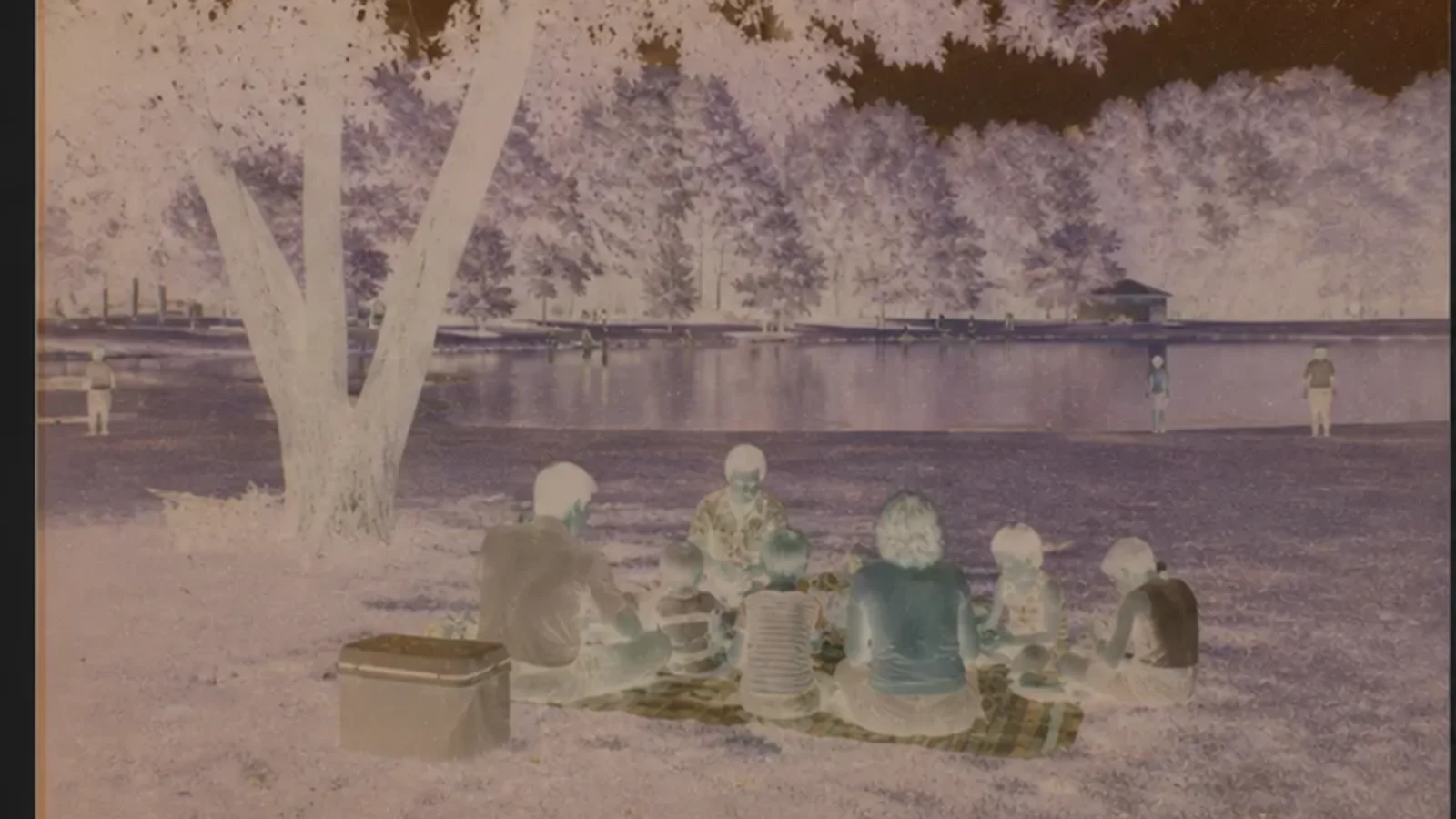
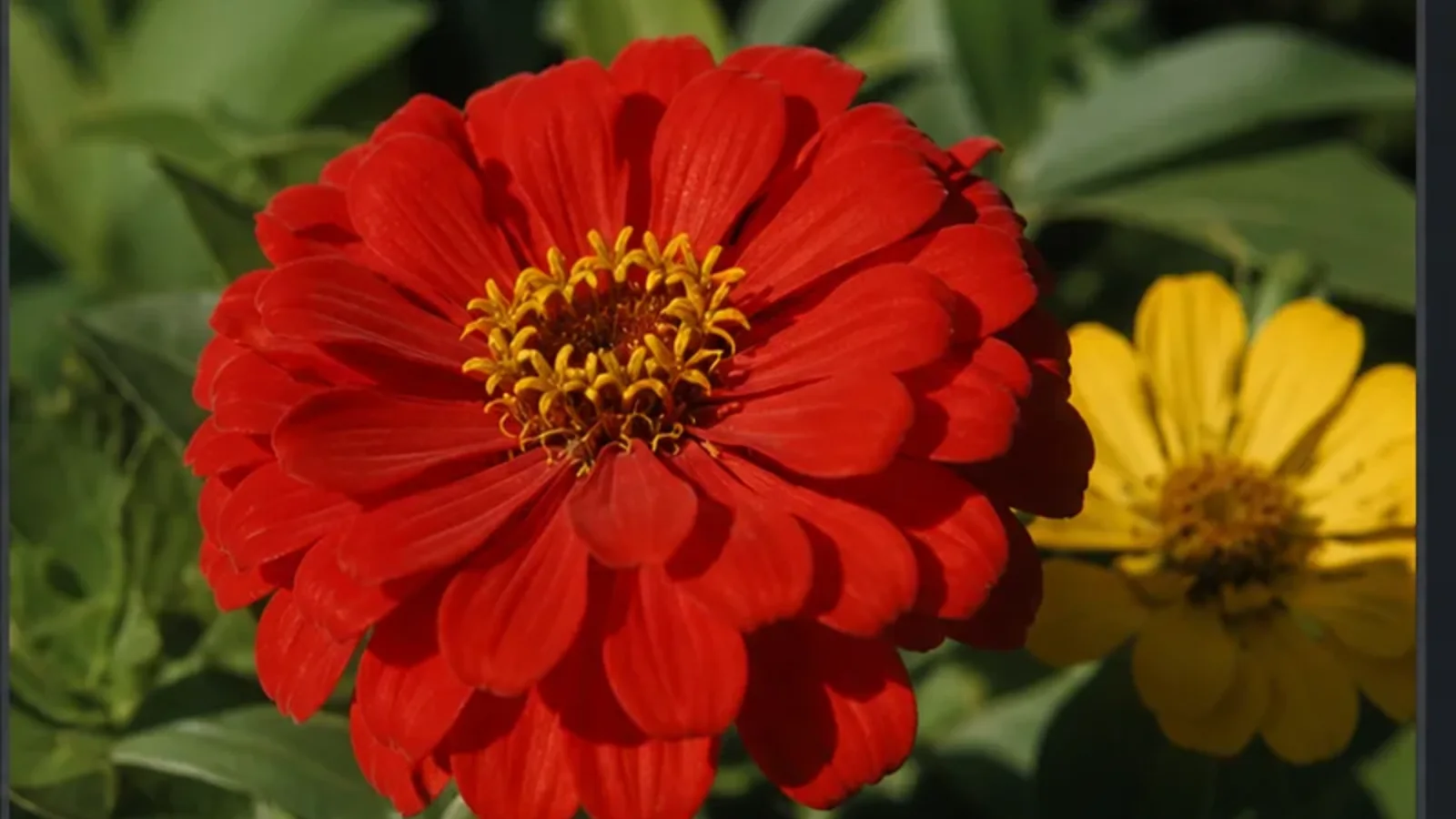
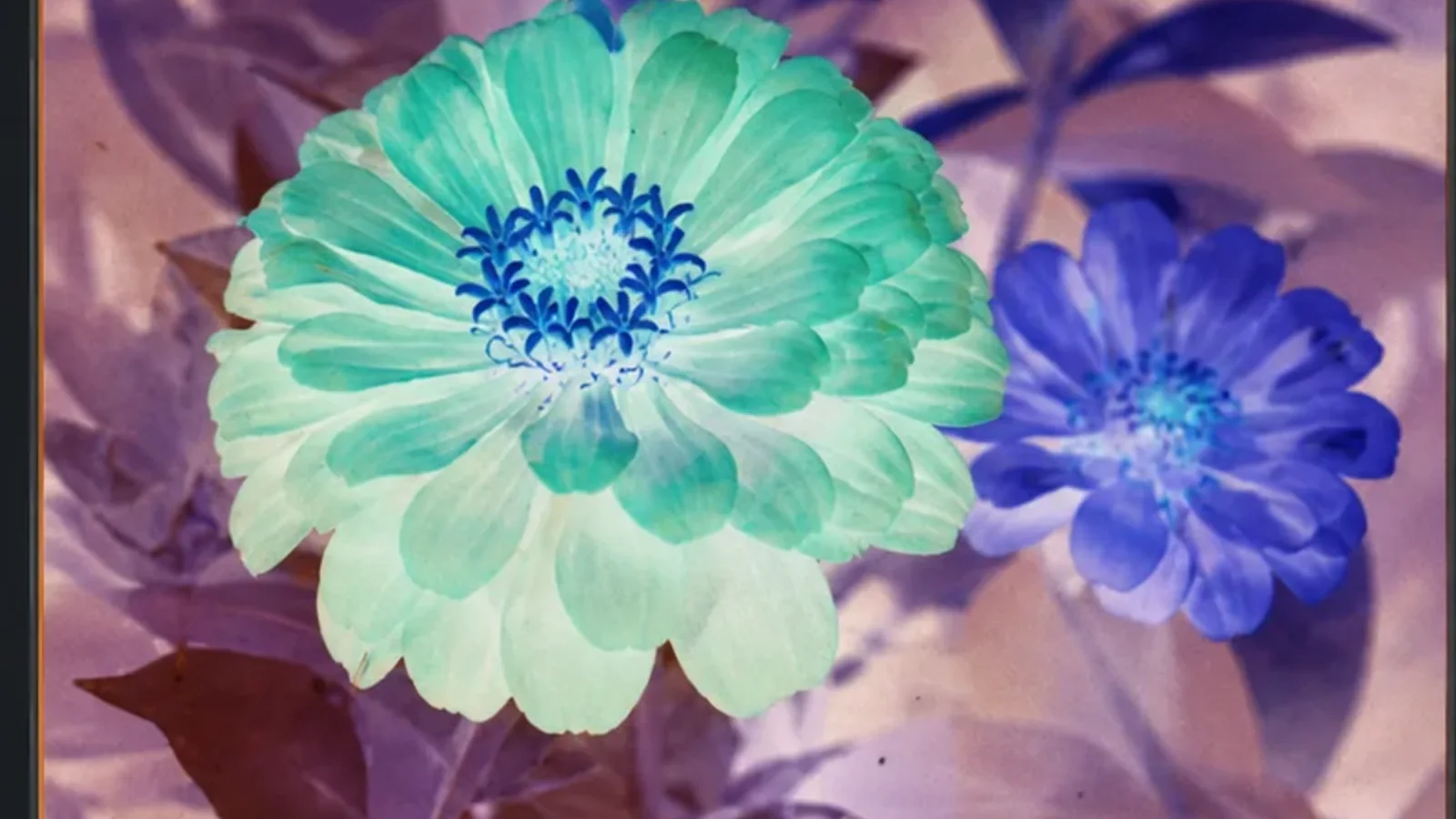
A film negative to positive converter reverses the tones in a scanned photographic negative, then corrects the orange film base and color-channel imbalance that simple inversion leaves behind. The result is a viewable positive photo with adjustable exposure, contrast, and RGB balance.
Negative Tone Reversal
Convert reversed film densities into a positive starting point while preserving the original scan dimensions.
Orange Mask Correction
Compensate for the orange base found in common color negative stocks so the positive is not dominated by cyan and blue.
RGB Channel Balance
Adjust red, green, and blue independently to neutralize film-stock, scanner, or lighting casts after inversion.
Exposure and Contrast
Recover a usable tonal range with exposure measured in EV and a separate contrast control for flat or dense scans.
Local Film Processing
All pixel conversion runs in your browser. Personal archive scans are not uploaded to a processing server.
Positive Photo Export
Download the restored positive as PNG, JPG, or WebP for archiving, sharing, or additional photo editing.
Film Restoration vs Negative Effects
This page starts with a scanned film negative and restores a positive. To create a film-style negative from an ordinary photo, use the negative image maker. For exact full-image RGB reversal without film correction, use the main image inverter.
- +Start with a photographed or scanned color-film negative
- +Increase orange-mask correction until cyan and blue casts recede
- +Use RGB controls for scanner-specific white-balance correction
- +Set mask correction to zero for black-and-white negatives
- +Export a high-quality positive before restoration or retouching
Correct the Orange Mask in Color Film Scans

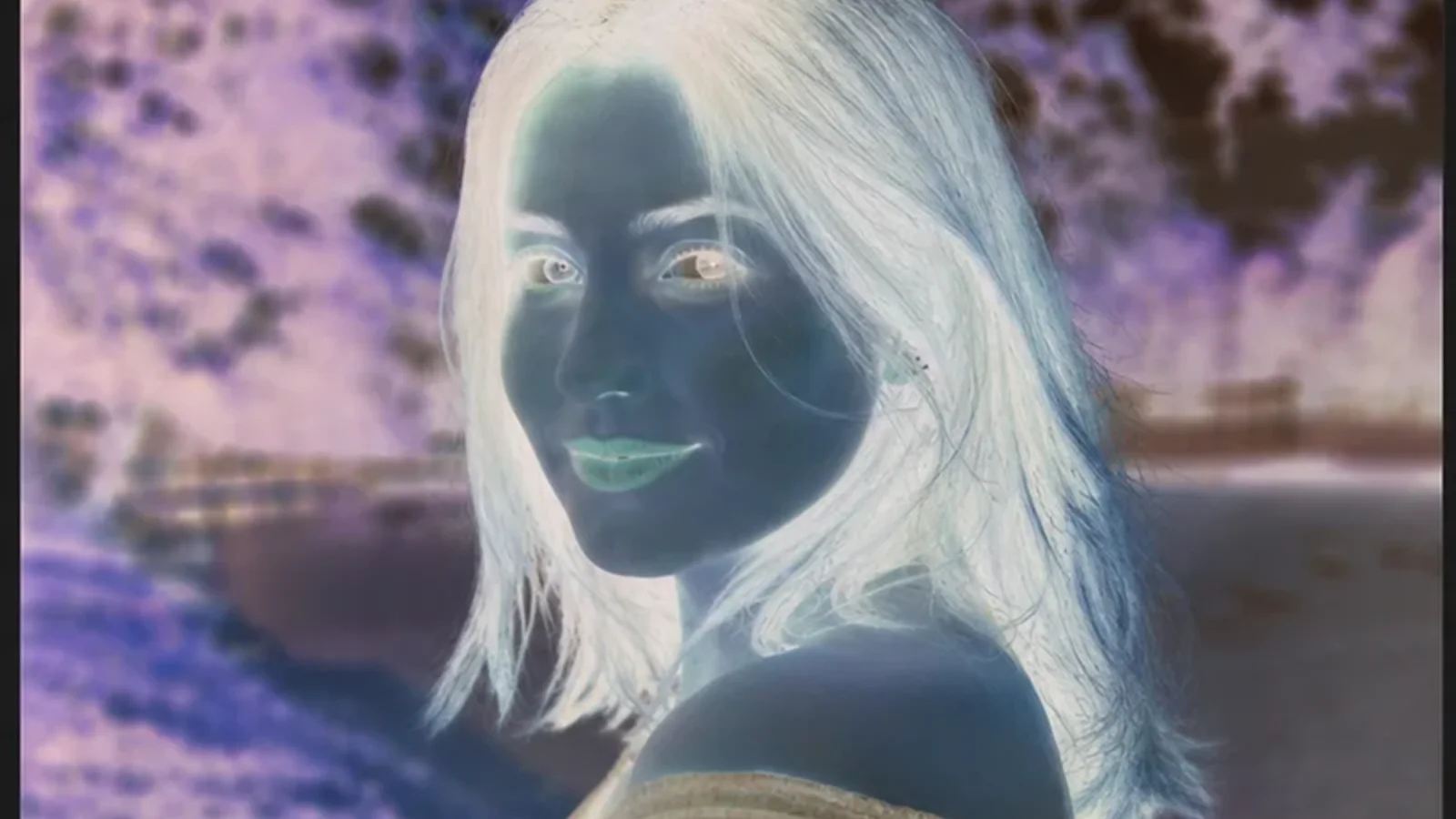
Balance Red, Green, and Blue Channels
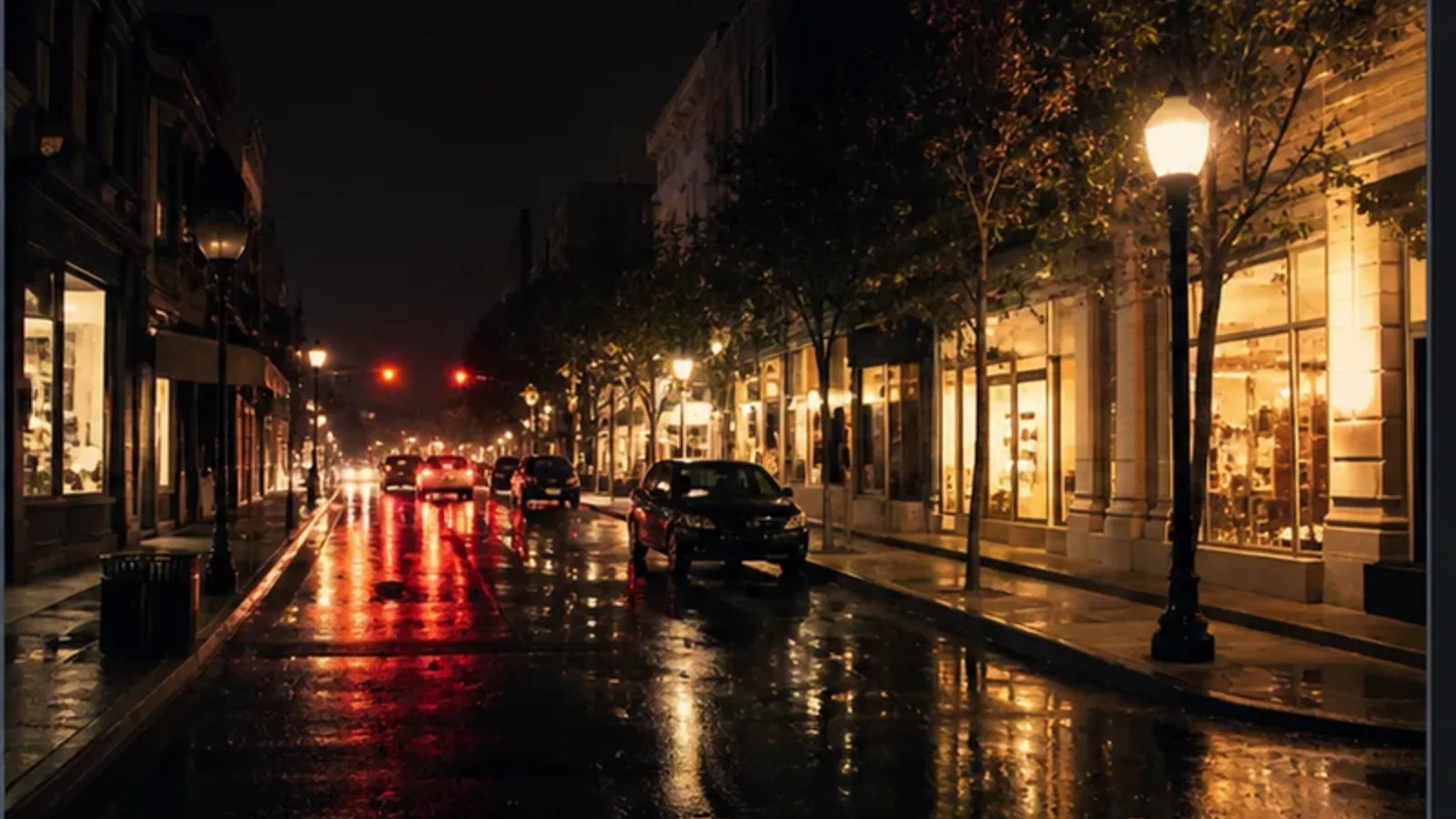
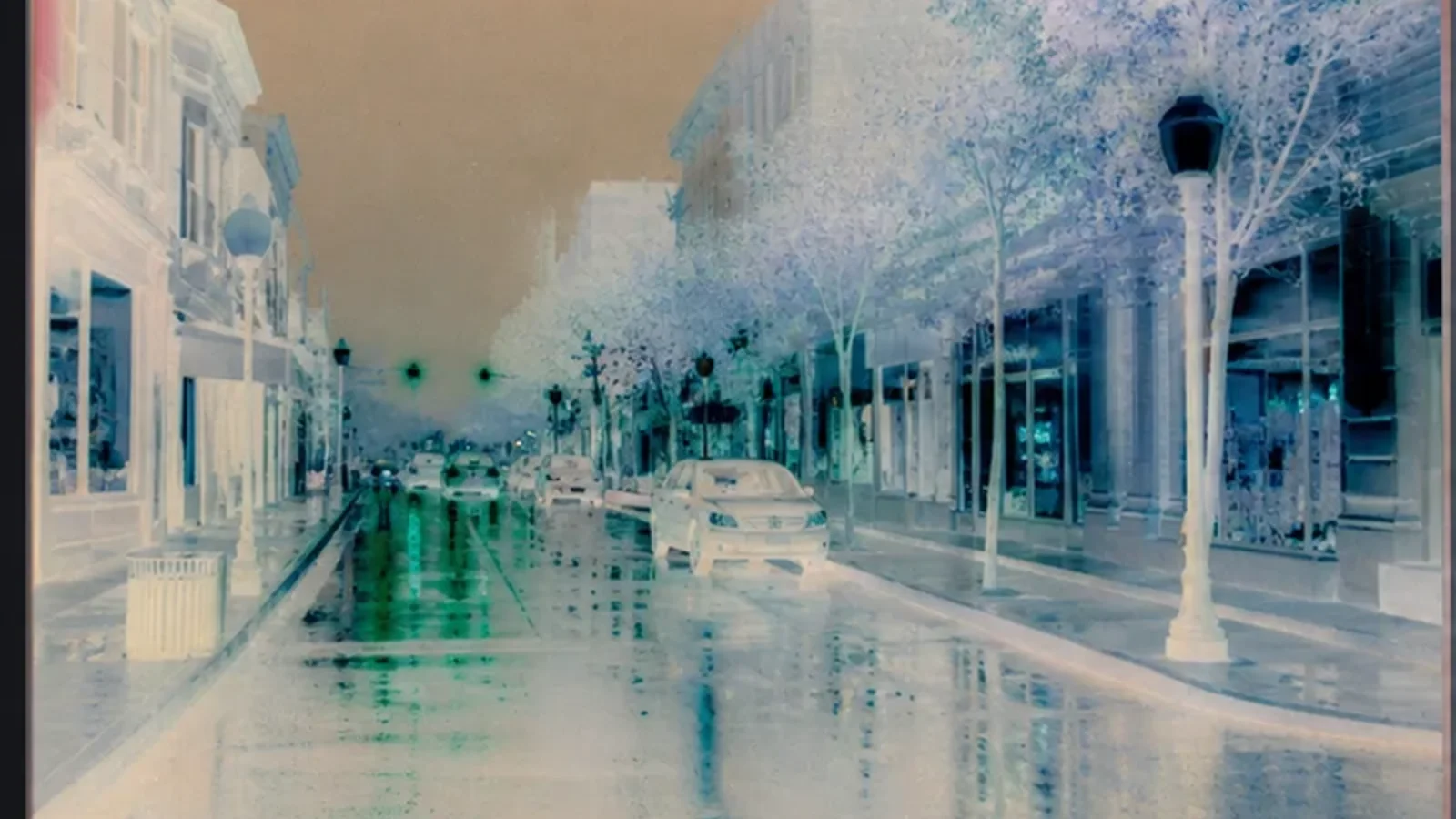
Recover Exposure and Contrast from Flat Negatives
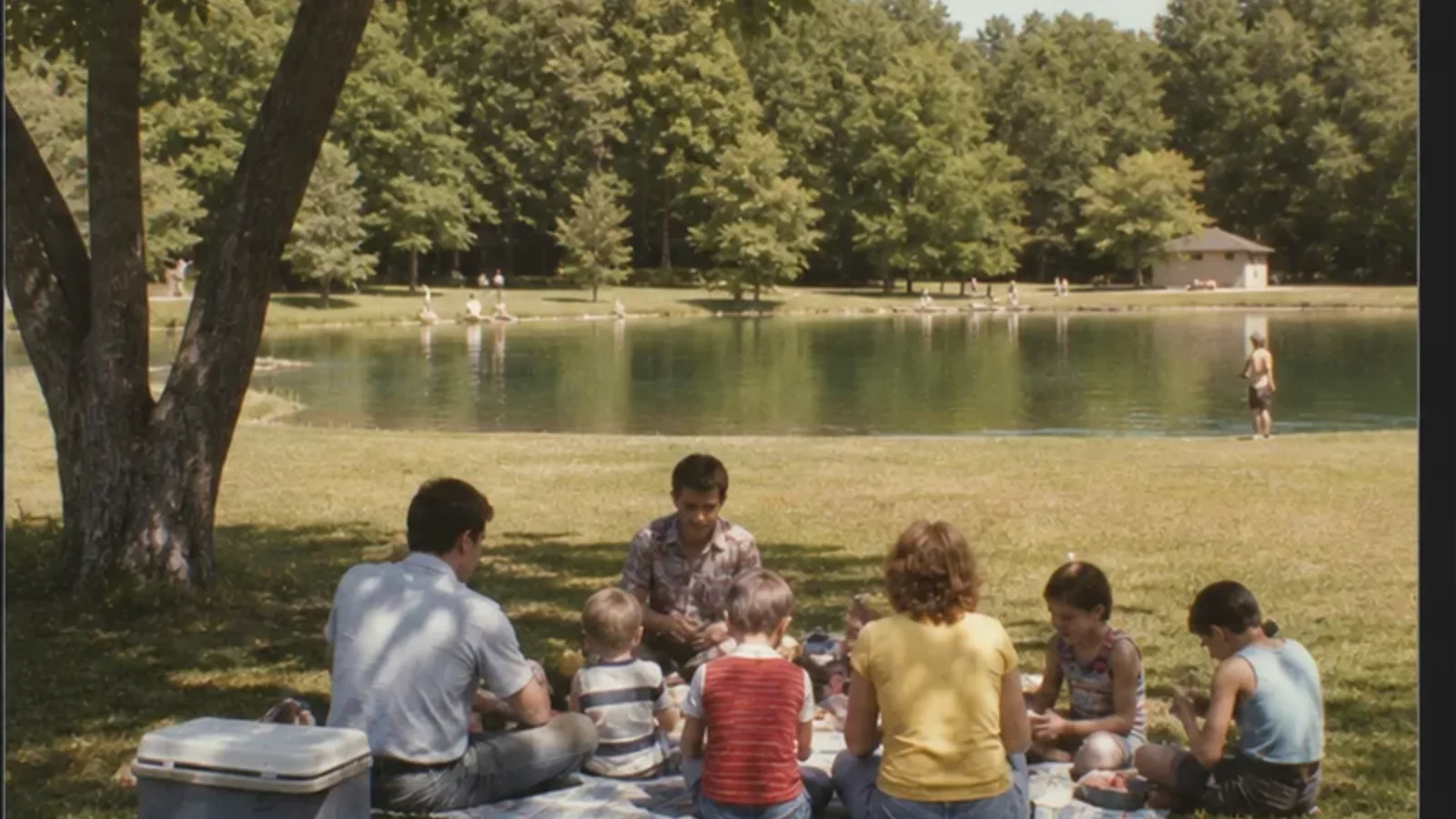
Convert Film Negatives Privately in Your Browser
Film Negative to Positive FAQ
Learn how to convert film negatives, correct orange masks, and balance scanned color channels.
How do I convert a film negative to a positive online?
Upload a JPG, PNG, or WebP scan of the film negative. Start with the Color Negative preset, adjust orange-mask correction, exposure, contrast, and RGB channels, then download the positive photo.
What is the orange mask on color negative film?
Many color negative films have an orange base that helps color reproduction during printing. After a simple inversion, that base can produce a strong cyan or blue cast, so the channels need additional correction.
Can this convert black-and-white film negatives?
Yes. Choose the B&W Negative preset or set orange-mask correction to zero. Then adjust exposure and contrast to recover the desired tonal range.
Is this the same as making a negative image?
No. A negative-image effect turns an ordinary positive photo into a stylized negative. This converter starts with an existing film negative and restores it into a positive image.
Does this tool repair scratches or dust?
No. It handles inversion and color correction, but it does not remove physical scratches, dust, fading, or missing detail. Export the positive first, then use a restoration workflow if needed.
What scan formats can I convert and export?
You can upload JPG, PNG, and WebP scans, then export the converted positive as PNG, JPG, or WebP.
Are my film scans uploaded or stored?
No. The conversion runs locally with the browser Canvas API, so your film scans stay on your device.
Convert a Film Negative to Positive
Restore viewable color and tone from a scanned negative with precise film correction controls.
Related Film and Color Tools
Continue with clean inversion, negative effects, grain, contrast, or exposure adjustments.