
Duotone Effect Online Free - Two Color Photo Editor
Create a duotone effect by mapping image shadows and highlights to two custom colors. Use presets, tune contrast, preview instantly, and export your duotone image as PNG, JPG, or WebP.
Drop your image here to create a duotone effect
Map image shadows and highlights to two custom colors.
Supports JPG, PNG, WEBP. Paste an image with Ctrl+V.
What Is a Duotone Effect?
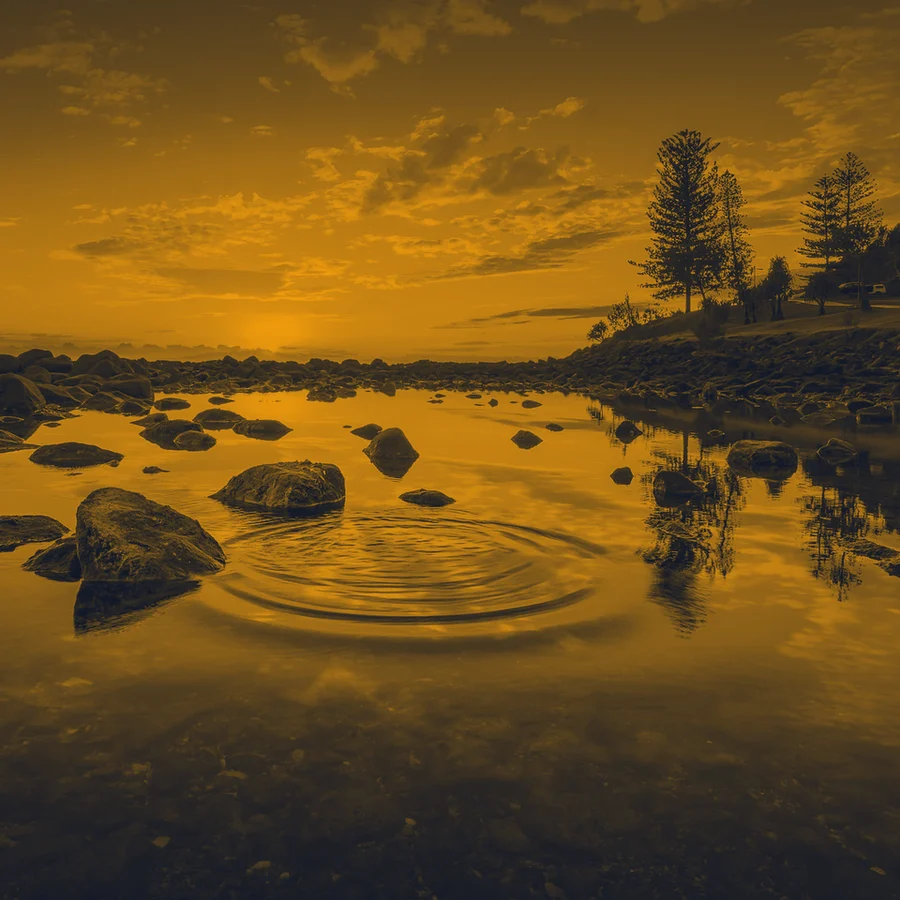
A duotone effect maps the dark and light areas of an image to two selected colors. Shadows become one color, highlights become another, and midtones blend between them. This creates a bold two-color image style for posters, album art, landing pages, and social graphics.
Two-Color Mapping
Choose a shadow color and a highlight color. The tool reads image luminance, then maps each pixel to a blend between your two colors.
Preset Duotone Palettes
Start from ready-made color pairs, then adjust with color pickers. This is faster than building a two-color photo effect from scratch.
Luminance-Based Workflow
Duotone depends on brightness structure. For a neutral luminance-only result before styling, use grayscale image.
Different from Inversion
Duotone recolors tones into a two-color palette. It does not mathematically reverse RGB values. For single-color opposites, use the invert color tool.
Private Browser Processing
All duotone processing runs locally with Canvas API. Your photo stays on your device and is not uploaded to a server.
Multi-Format Export
Download the final duotone image as PNG, JPG, or WebP. Use PNG/WebP for transparent graphics and JPG for compact photo sharing.
Best Uses for a Duotone Photo Editor
- +Create brand-colored hero images, thumbnails, and social graphics
- +Turn portraits and product shots into bold two-color posters
- +Experiment with album-cover, editorial, and Spotify-style image treatments
- +Apply repeatable color palettes without opening desktop image-editing software
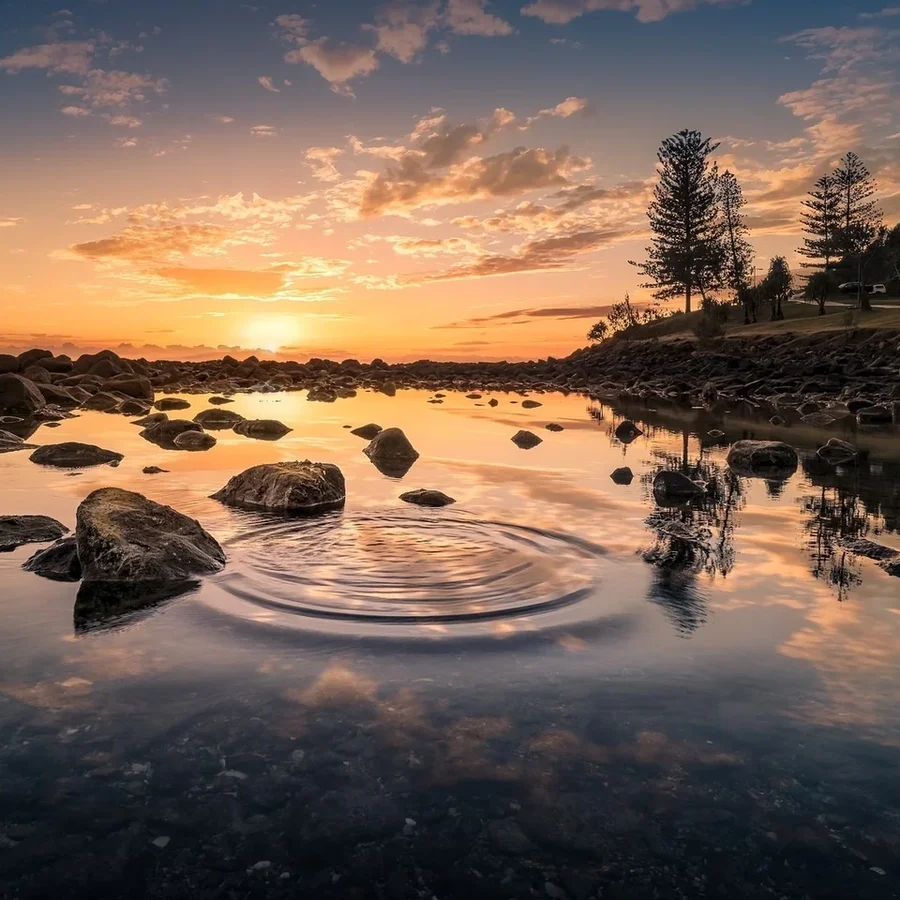
Map Shadows and Highlights to Two Custom Colors
Start Fast with Preset Duotone Palettes


Control Tone Contrast for Cleaner Graphic Results


Export Duotone Images for Web, Social, and Design


Frequently Asked Questions About Duotone Effect
Learn how duotone image editing works, how to choose colors, and how this effect differs from grayscale or color inversion.
How do I create a duotone effect online?
Upload an image, choose a shadow color and highlight color, adjust tone contrast, then download the result as PNG, JPG, or WebP.
What is a duotone image?
A duotone image maps the original photo's dark and light tones to two colors. Shadows use one color, highlights use another, and midtones blend between them.
What colors work best for duotone photos?
High-contrast pairs work best, such as navy and cyan, black and amber, purple and pink, or dark green and lime. Start with a preset, then adjust the colors to match your brand or design.
Is duotone the same as grayscale?
No. Grayscale removes color and keeps neutral gray tones. Duotone first reads the image's brightness structure, then maps that structure to two custom colors.
Is duotone the same as color inversion?
No. Color inversion subtracts RGB values from 255. Duotone uses luminance to recolor the image into a two-color palette.
Can I export duotone images with transparency?
Yes. PNG and WebP output preserve alpha transparency. JPG output fills transparent areas with white because JPG does not support transparency.
Is this duotone photo editor private?
Yes. The duotone effect is applied in your browser with Canvas API, so your image is not uploaded to a server for processing.
Duotone Effect Online Free - Start Now
Create two-color duotone photos with custom palettes, instant preview, and private browser-based processing.
Also Try Our Other Image Tools
Explore our collection of free, easy-to-use image editing tools. No signup required, instant results!
Image Inverter
Invert colors for creative photo effects
Color Inverter
Reverse complementary colors in any image
Invert PNG Colors
Invert PNG while preserving transparency
Invert JPG Colors
Create photo negatives from any JPG image
Invert WebP Colors
Invert modern WebP images with alpha support
Invert Color (Hex)
Find the opposite of any hex color instantly
Flip Image
Mirror images horizontally or vertically
Embroidery Pattern Prep
Prepare patterns for tracing and transfers
Darken Image
Adjust brightness to create moody effects
Lighten Image
Brighten photos and enhance visibility
Image Brightness
Adjust photo brightness from -100 to +100
Image Saturation
Saturate or desaturate colors instantly
Split Image
Create grid splits for social media posts
Circle Crop
Create perfect circular images for avatars
Grayscale Image
Convert photos to beautiful grayscale
Black & White Filter
Apply professional B&W photo effects
Blur Image
Add blur effects for privacy or style
Pixelate Image
Create pixel art and mosaic effects
Dither Image
Apply retro dithering with 2-64 color control
Sepia Filter
Add warm vintage sepia tones to photos
Negative Image
Create film-style photo negative effects
Film Negative to Positive
Restore positive photos from scanned film negatives
Dark Mode Image
Adapt screenshots and logos for dark backgrounds
Image Contrast
Adjust and increase photo contrast
Vignette Effect
Add edge shading with custom color control
Image Resolution Converter
Change image dimensions by exact pixels
Add Noise to Image
Apply grain and film noise with fine control
Posterize Image
Apply posterization effect with level control
Solarize Image
Create partial negative effects by threshold
Halftone Effect
Create print-style dot pattern images
Hue Changer
Shift image hue from -180° to +180°
Threshold Image
Convert to pure black & white by threshold
Color Swap Image
Replace specific colors with tolerance
Image Color Picker
Pick colors from any image pixel
Sharpen Image
Enhance photo clarity and fix soft focus
Emboss Image
Add raised or engraved relief effects