
Halftone Effect Online Free - Halftone Image & Dot Pattern Generator
Create a halftone effect from any image. Turn photos into print-style halftone patterns, adjust dot size and contrast, preview instantly, and export your halftone image as PNG, JPG, or WebP.
Drop your image here to create a halftone effect
Convert photos into print-style dot patterns with adjustable dot size.
Supports JPG, PNG, WEBP. Paste an image with Ctrl+V.
What Is a Halftone Effect?
A halftone effect converts image tones into a pattern of dots. Large dots represent darker areas, smaller dots represent lighter areas, and the full image takes on a print-style texture used in comics, posters, newspapers, screen printing, and graphic design.
Adjustable Halftone Dot Size
Smaller dots keep more detail. Larger dots create a bold comic or poster look with more visible print texture.
Tone Contrast Control
Increase contrast for crisp poster dots, or reduce contrast for smoother newspaper-style halftone output.
Graphic Tone Reduction
Halftone turns continuous tones into a dot grid. For flat color-band reduction instead, use posterize image.
Print and Screen-Style Looks
Use halftone for zines, screen-print mockups, comic panels, editorial visuals, stickers, and poster-style art.
Private Browser Processing
Your image is processed locally with Canvas API. No upload, no account, and no server-side storage.
PNG, JPG, and WebP Export
Export halftone results in common web formats. For pure threshold preparation before graphic workflows, try threshold image.
Halftone Patterns, Dots, and Overlays
A halftone pattern is the dot grid itself. Every dot sits at a fixed spacing and only its diameter changes, so a dense field of large dots reads as shadow while a sparse field of small ones reads as highlight. Print shops call the spacing the screen frequency, and it decides how coarse the finished texture looks.
Halftone dots are what make the illusion work. Ink is either present or absent on paper, so a press cannot lay down grey. Instead it prints solid dots small enough that your eye averages them with the white paper around them into a continuous tone.
To build a halftone overlay, export the result as a transparent PNG and drop it on a layer above your artwork. Set the blend mode to multiply and the white background falls away, leaving only the dots sitting over whatever is beneath. That is the same trick behind comic shading and most vintage poster texture.
Best Uses for a Halftone Maker and Generator
- +Create comic, newspaper, zine, and screen-print style image effects
- +Turn portraits and product photos into bold dot-pattern graphics
- +Make high-contrast poster visuals for social content and thumbnails
- +Experiment with inverted white-dot-on-black halftone output
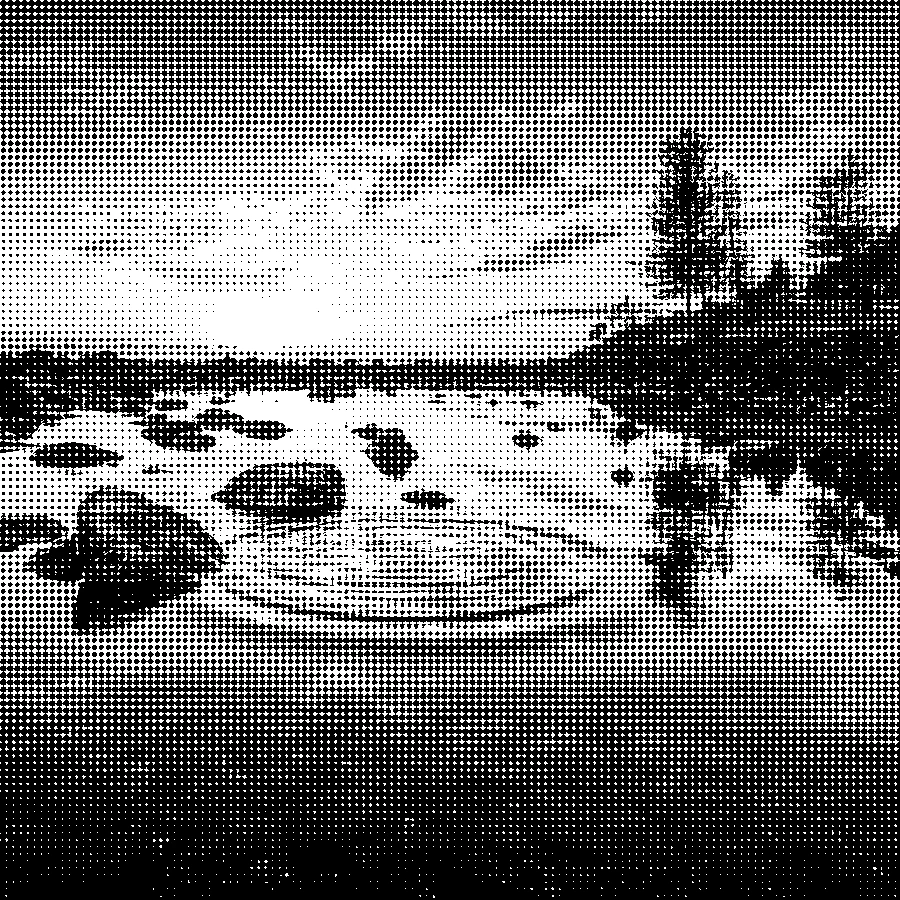
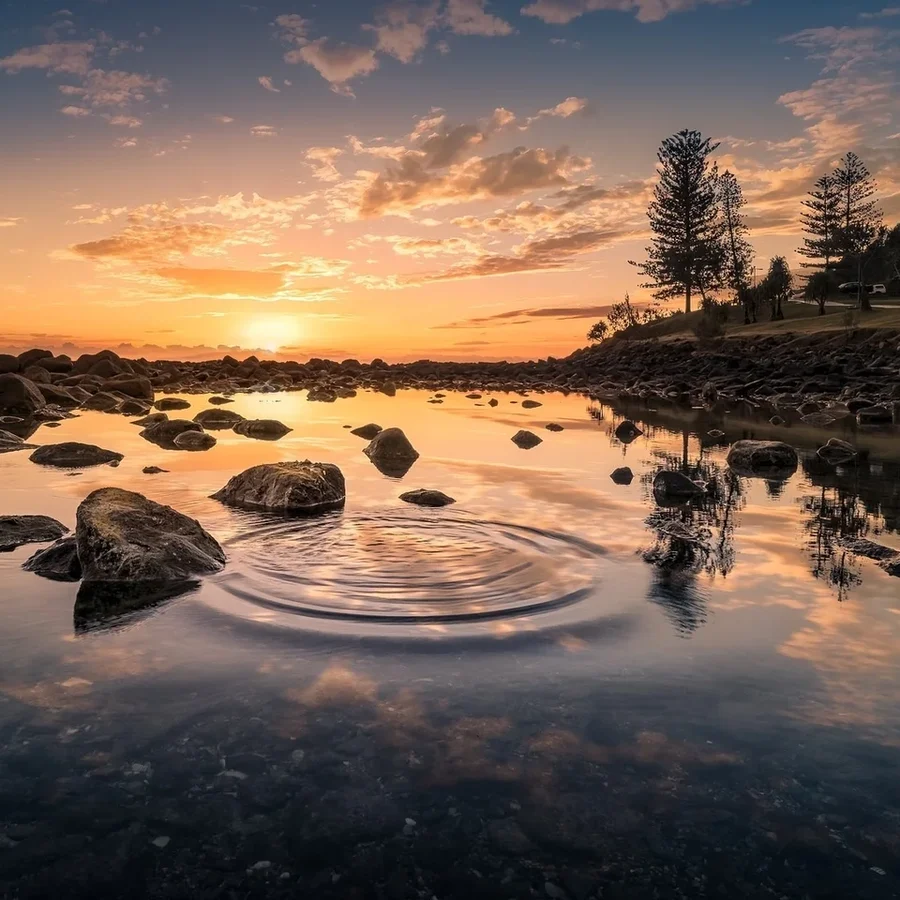
Turn Photos into Print-Style Dot Patterns
Adjust Dot Size for Detail or Bold Graphic Style
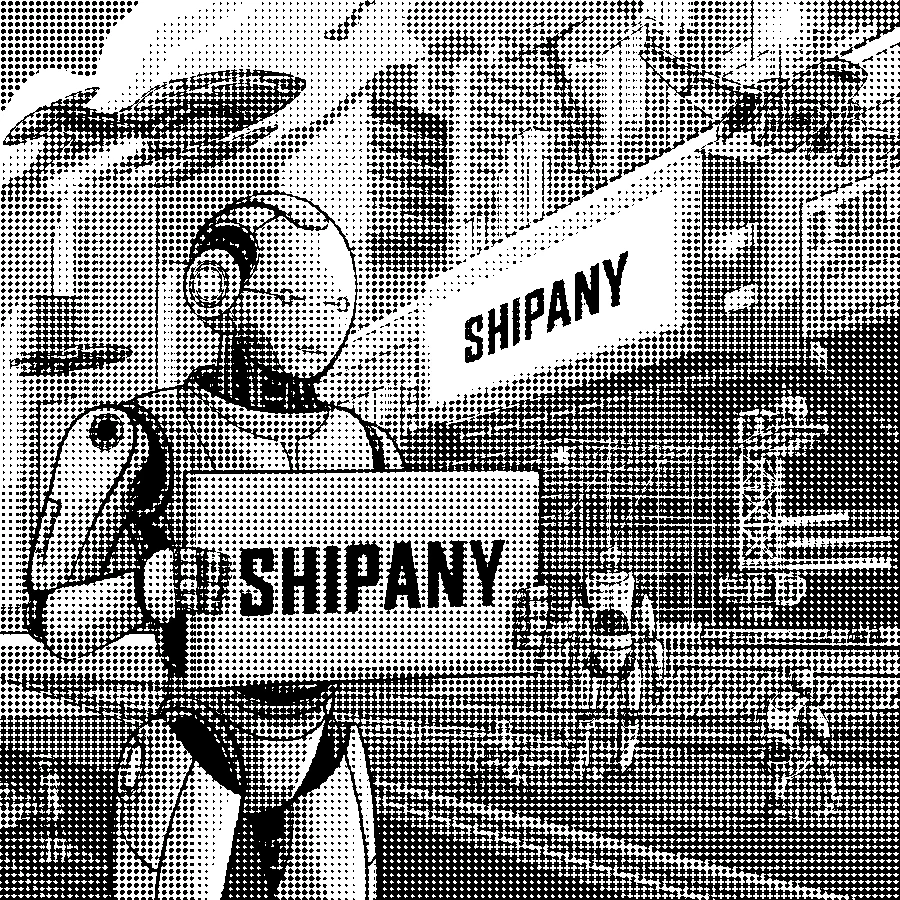

Invert the Halftone Style for White Dots on Black


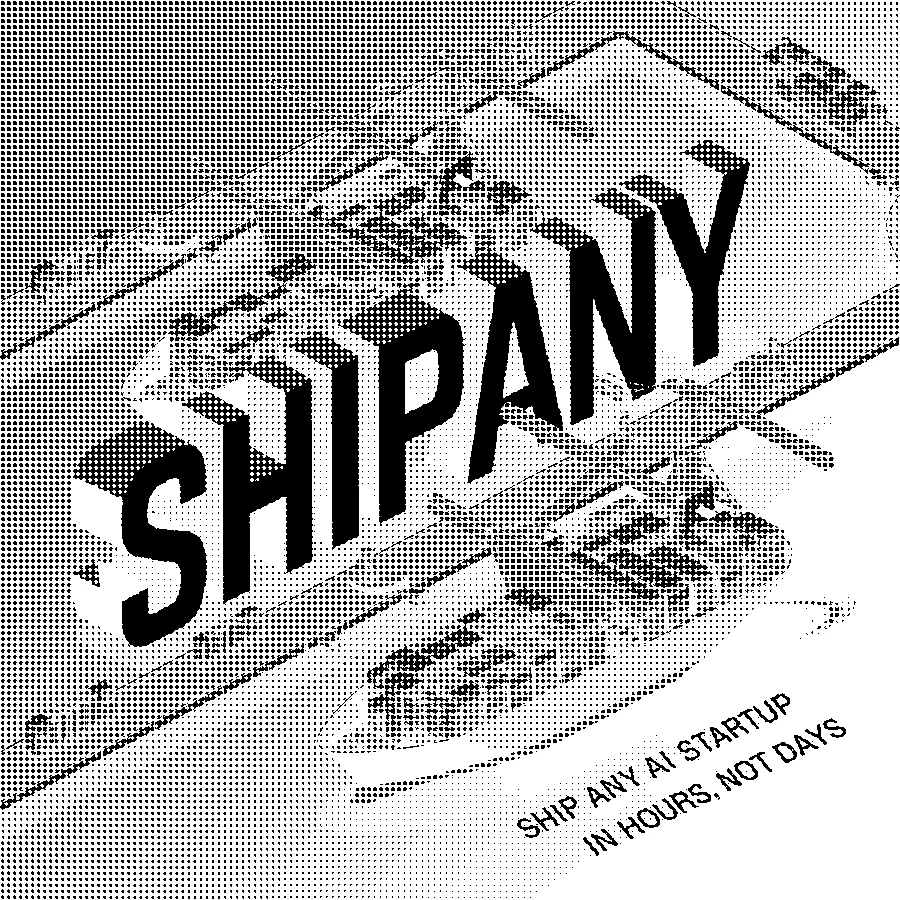
Export Halftone Images for Web and Design Work
Frequently Asked Questions About Halftone Effect
Learn how halftone patterns work, how to choose dot size, how to build a dots overlay, and when to use halftone versus posterize or threshold effects.
How do I create a halftone effect online?
Upload an image, adjust dot size and tone contrast, choose black dots on white or white dots on black, then download the halftone result as PNG, JPG, or WebP.
What is a halftone image?
A halftone image represents tone with dots. Darker areas use larger dots, lighter areas use smaller dots, creating the print-style texture used in comics, newspapers, and screen printing.
What dot size should I use?
Use smaller dots for more detail and larger dots for a bold graphic look. A dot size around 8 to 14 pixels is a good starting point for most photos.
What is the difference between halftone and posterize?
Halftone converts tone into dot patterns. Posterize reduces color levels into flat bands. Use halftone for print texture and posterize for color-block graphics.
Can I create an inverted halftone effect?
Yes. Toggle the output style to create white dots on a black background instead of black dots on white.
Can I download halftone images as WebP?
Yes. You can export the halftone result as PNG, JPG, or WebP. PNG is best for crisp graphics, while WebP is useful for smaller web files.
Is this halftone filter private?
Yes. The halftone filter runs locally in your browser with Canvas API. Your image is not uploaded to a server.
What is a halftone pattern?
A halftone pattern is the regular grid of dots that replaces continuous tone in a printed image. The dots sit on a fixed grid and change size with brightness, so the pattern reads as smooth shading from a distance.
How do I make a halftone dots overlay?
Generate the halftone dots here, export as a PNG, then place that PNG above your artwork in any editor and set the layer blend mode to multiply or screen. The white areas drop out and only the dots overlay your image.
What is halftoning?
Halftoning is the process of simulating shades of grey using only solid ink and blank paper. Because a press cannot print grey, it prints dots of varying size that the eye blends into tone.
Can I use this halftone maker for screen printing?
Yes. Export a high-contrast result at a large dot size so the dots survive exposure and washout. Screen printing needs dots big enough to hold on the mesh, so start larger than you would for on-screen use.
How do I create a comic book dot effect?
Raise the tone contrast and pick a large dot size. That combination produces the coarse Ben-Day dot effect used in vintage comic panels, where individual dots stay clearly visible.
Halftone Effect Online Free - Start Now
Turn any image into a comic, newspaper, or screen-print style halftone pattern with private browser-based processing.
Also Try Our Other Image Tools
Explore our collection of free, easy-to-use image editing tools. No signup required, instant results!
Image Inverter
Invert colors for creative photo effects
Color Inverter
Reverse complementary colors in any image
Invert PNG Colors
Invert PNG while preserving transparency
Invert JPG Colors
Create photo negatives from any JPG image
Invert WebP Colors
Invert modern WebP images with alpha support
Invert Color (Hex)
Find the opposite of any hex color instantly
Flip Image
Mirror images horizontally or vertically
Embroidery Pattern Prep
Prepare patterns for tracing and transfers
Darken Image
Adjust brightness to create moody effects
Lighten Image
Brighten photos and enhance visibility
Image Brightness
Adjust photo brightness from -100 to +100
Image Saturation
Saturate or desaturate colors instantly
Split Image
Create grid splits for social media posts
Circle Crop
Create perfect circular images for avatars
Grayscale Image
Convert photos to beautiful grayscale
Black & White Filter
Apply professional B&W photo effects
Blur Image
Add blur effects for privacy or style
Pixelate Image
Create pixel art and mosaic effects
Dither Image
Apply retro dithering with 2-64 color control
Sepia Filter
Add warm vintage sepia tones to photos
Negative Image
Create film-style photo negative effects
Film Negative to Positive
Restore positive photos from scanned film negatives
Dark Mode Image
Adapt screenshots and logos for dark backgrounds
Image Contrast
Adjust and increase photo contrast
Vignette Effect
Add edge shading with custom color control
Image Resolution Converter
Change image dimensions by exact pixels
Add Noise to Image
Apply grain and film noise with fine control
Posterize Image
Apply posterization effect with level control
Solarize Image
Create partial negative effects by threshold
Duotone Effect
Map shadows and highlights to two colors
Hue Changer
Shift image hue from -180° to +180°
Threshold Image
Convert to pure black & white by threshold
Color Swap Image
Replace specific colors with tolerance
Image Color Picker
Pick colors from any image pixel
Sharpen Image
Enhance photo clarity and fix soft focus
Emboss Image
Add raised or engraved relief effects